

Publishing & Managing Jobs
Once a job is ready, publish it so candidates can see it and apply. Here’s how a job moves through its different states and what each one means.
When you create a job, it starts as a draft. A draft is only visible to members of your organization — no one else can see it.
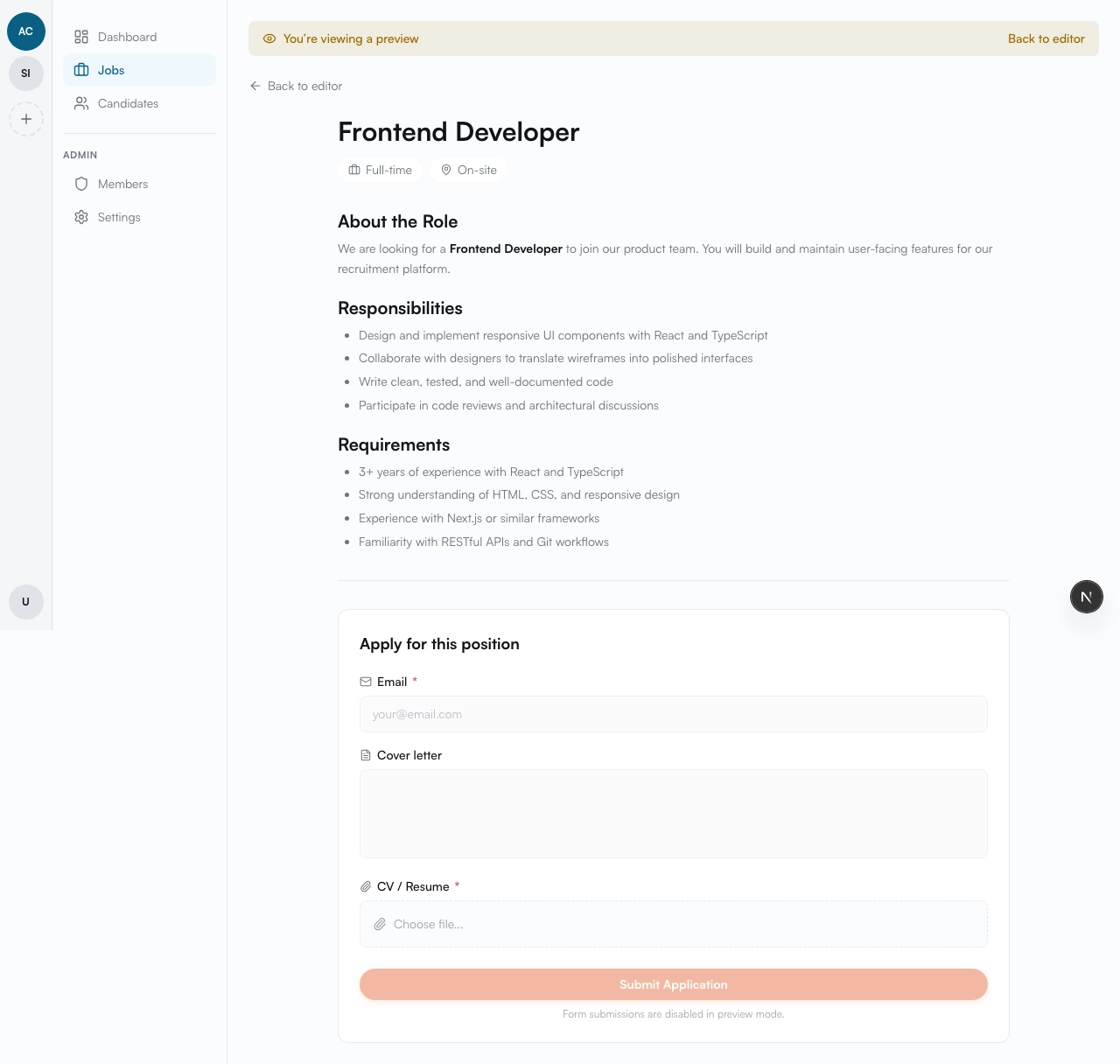
Click the Preview button on the job edit page to see how the job will look on the public page.
Publishing
Section titled “Publishing”When you’re ready, click the Publish button. The job becomes publicly available — candidates can view it and apply.
Publishing requires:
- Title
- Description
- Employment type
- Work mode
Managing a job
Section titled “Managing a job”After publishing, you can move the job between states:
Unpublish
Section titled “Unpublish”Click Unpublish to move the job back to draft. The job is no longer visible to candidates, but existing applications are preserved. You can republish later.
Click Close Job to stop accepting applications. The job remains visible but candidates can no longer apply. All existing candidate data is preserved.
Archive
Section titled “Archive”Click Archive to hide the job from your active job list. An archived job can be restored to draft at any time.
Delete
Section titled “Delete”Click Delete to permanently remove the job. This action cannot be undone.
State overview
Section titled “State overview”| State | Visible to candidates | Accepts applications | Next actions |
|---|---|---|---|
| Draft | no | no | Publish, Delete |
| Published | yes | yes | Unpublish, Close, Archive |
| Closed | yes | no | Unpublish, Archive |
| Archived | no | no | Restore to draft, Delete |
Preview page
Section titled “Preview page”Before publishing, use the Preview button to see exactly what the job page will look like. The preview shows the full public page — job title, description, employment type, work mode, and the application form — but is only accessible to members of your organization.
Public job page
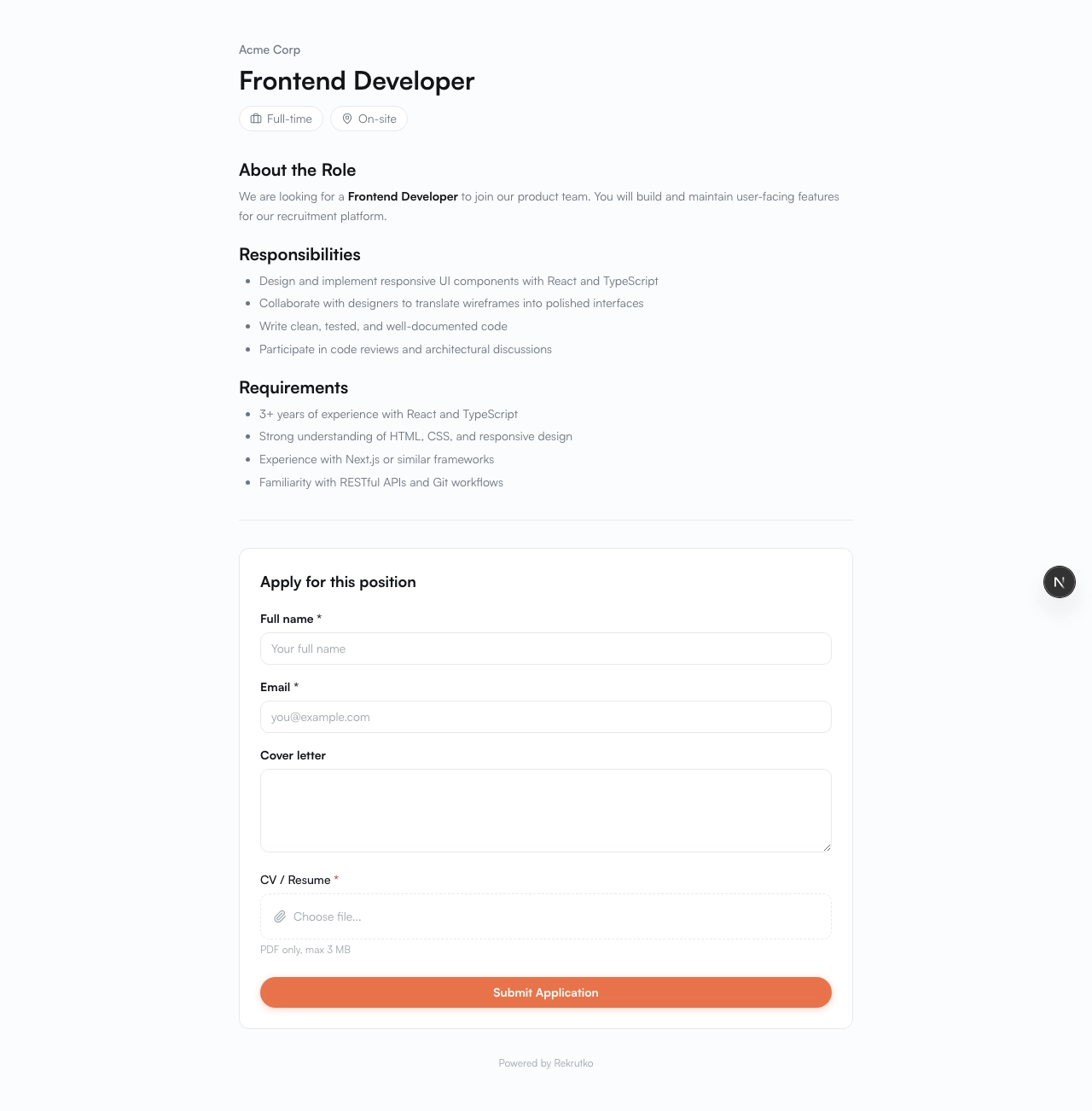
Section titled “Public job page”Once a job is published, candidates can access the public job page. This is where they see the job details and submit their application.
The public page shows:
- Job title
- Description — the full role details you wrote in the Markdown editor
- Employment type and work mode
- Application form — candidates fill this out and click Apply to submit
Embedding on your website
Section titled “Embedding on your website”We’re working on an iframe embed so you can display your job listings directly on your own website. If you need a custom integration for your site, reach out to us and we’ll build it together.